
Revealit TV is delighted to announce the first public beta release of the revealit TV Curator, a crowd sourced ML training tool that allows anyone to get paid training our AI anywhere, anytime.
The launch of Curator, marks an important milestone for not only revealit TV but the general landscape of machine learning training as well. With Curator we have synthesised and gamified the training process to make it unrivalled in its accessibility, accuracy and blinding speed.
The revealit TV Curator website enables anyone to sign up as a Curator and start training and earning in an instant.
So what exactly is a revealit TV curator?
Curators help train our patented Velocity product engine to efficiently find millions of products in every frame of video.
It’s more than that, though. As a curator, you’ll play an integral role in our ecosystem dedicated to building a modern streaming platform that is interactive, social and shopable. We view your participation as a signature moment in our mission to create the future of tv.
Your immediate goal as part of the first public beta users is to help train the first 500 products inside the first 20 videos ever published on the revealit TV platform!
If that all sounds a bit complex and you haven’t curated before, don’t worry, that’s where I come in. I’m revealit TV’s Curation Evangelist Kael Smith; I guarantee we’ve made it super easy and I’ll be with you every step of the way. I’ll have you curating and earning in no time at all. Let’s get you started building the future of tv.
Becoming a curator
To be a revealit TV curator you will first need to create an account using the revealit TV mobile app. Which is incredibly simple.
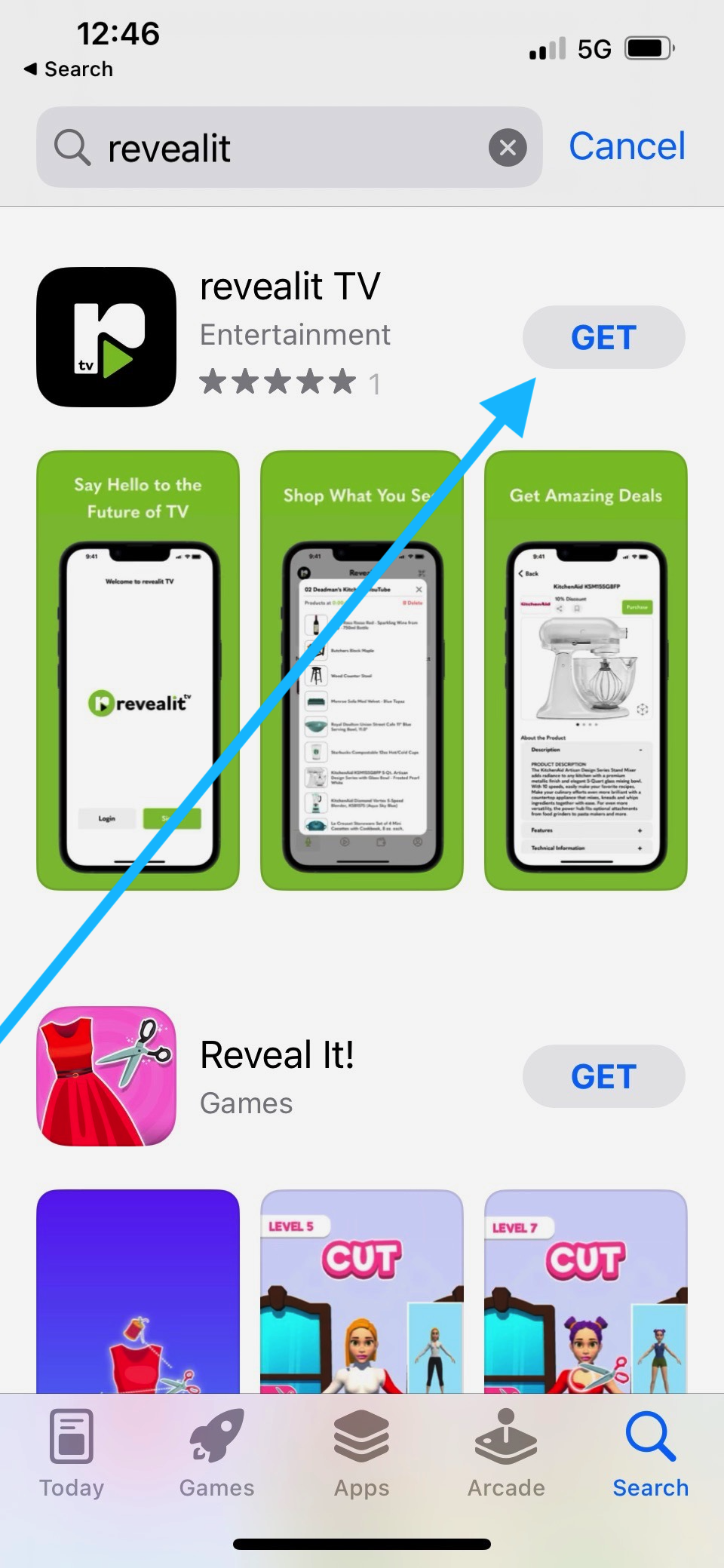
Step 1: Downloading the revealit TV App
Simply search revealit TV on you respective app store and tap to install.
Step 2: Sign up for a revealit TV account
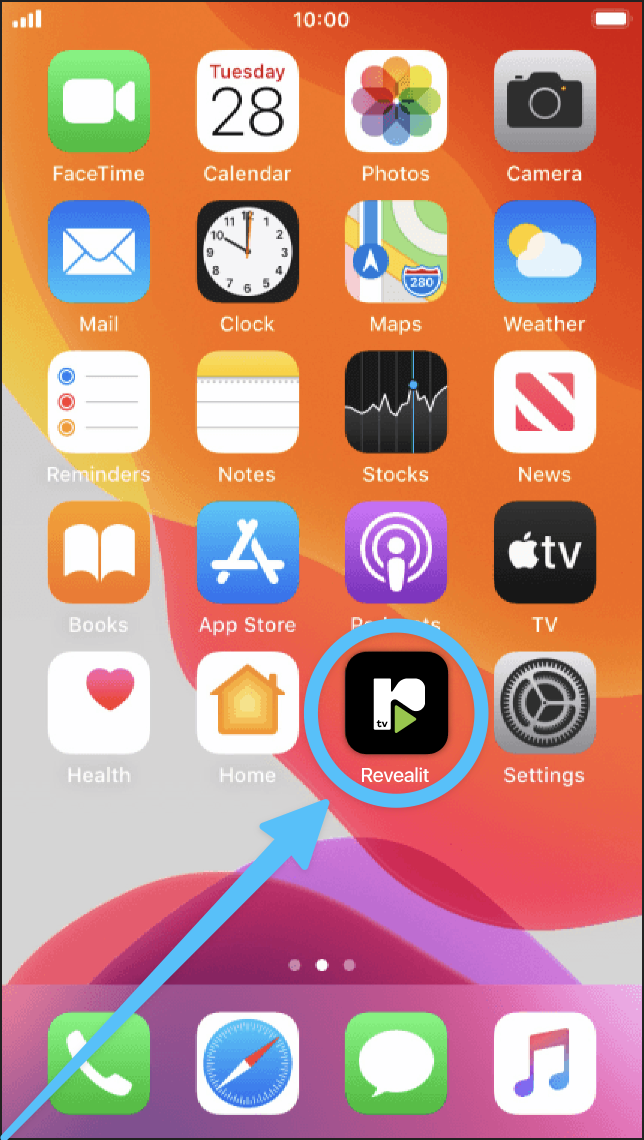
Once downloaded tap on the icon on your home screen to open the revealit TV app
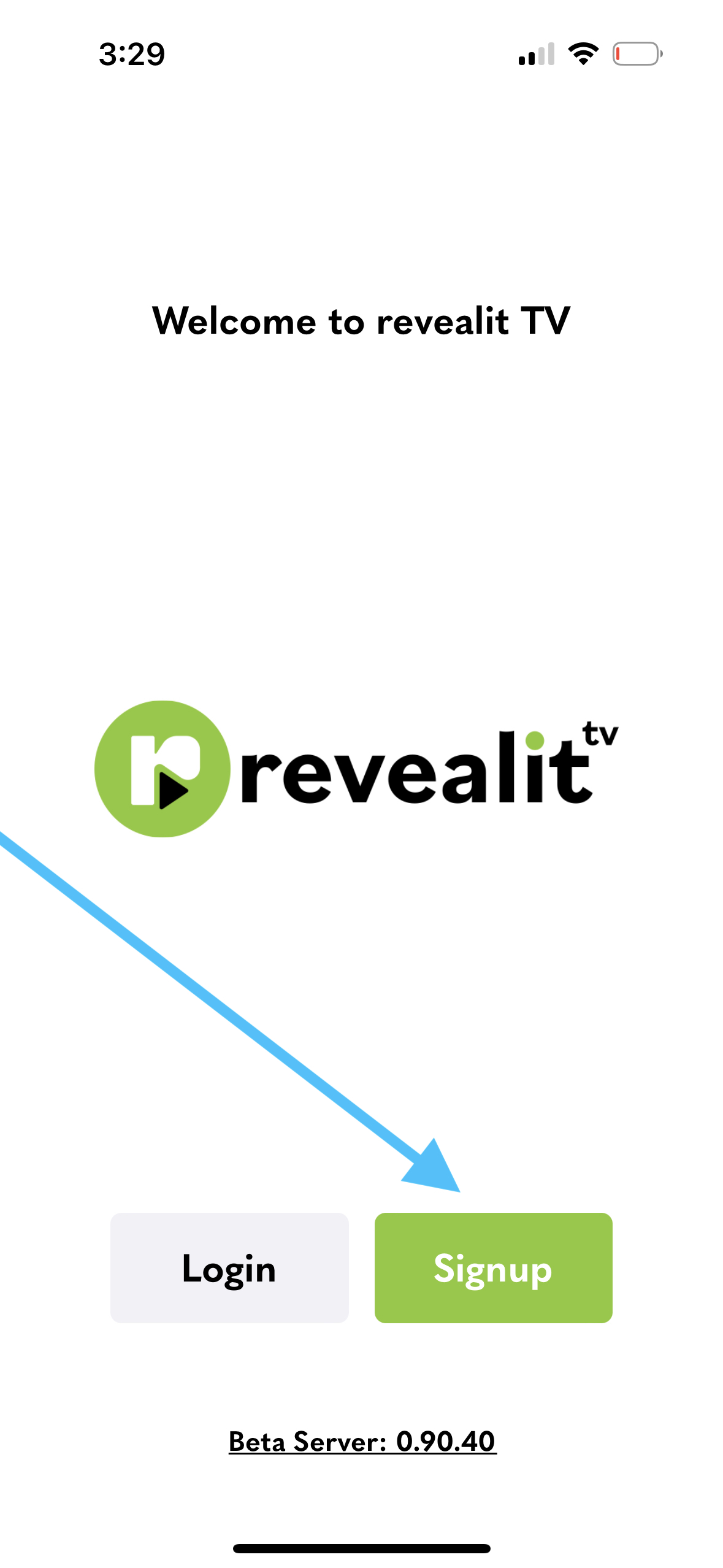
Once opened click on sign up and follow the prompts to register.
Step 3: Logging on to the crowd curator
Now that you have created your revealit TV account you’re ready to start curating. Using your computer or tablet device and your preferred browser head over to curator.revealit.tv.
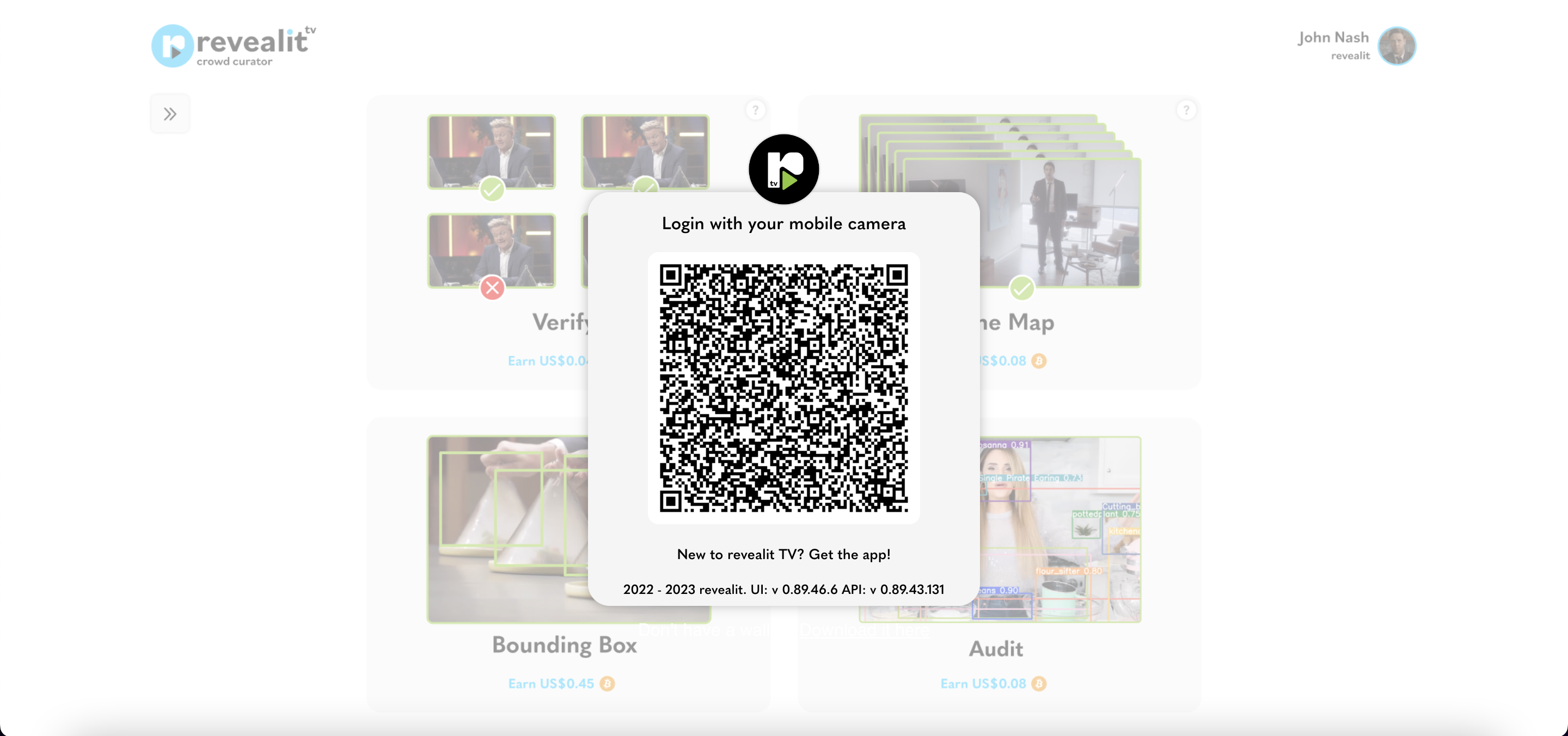
Simply scan the QR code using your mobile’s camera.
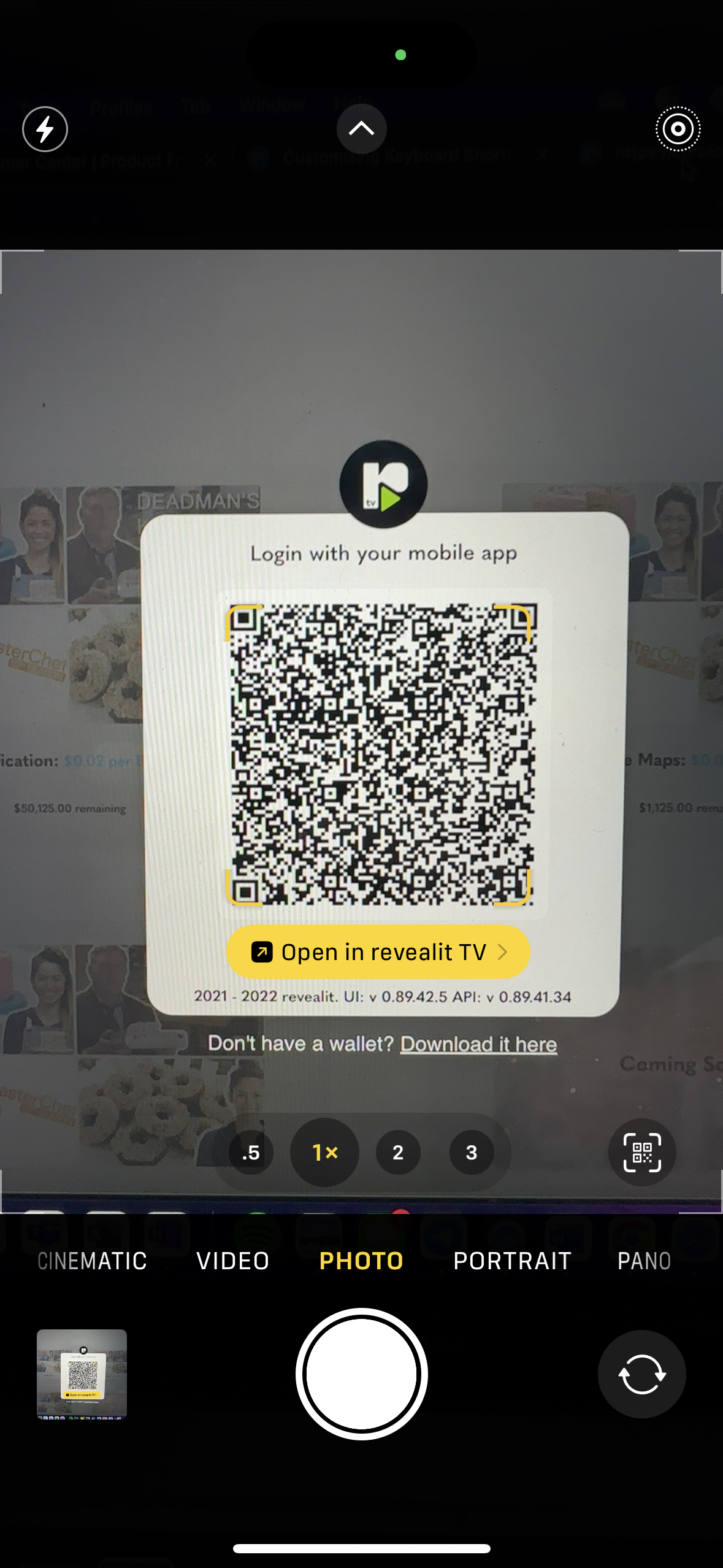
You’ll see a prompt on your mobile app asking you to authorise the login. Simply tap the authorise button and you’ll be logged in successfully.
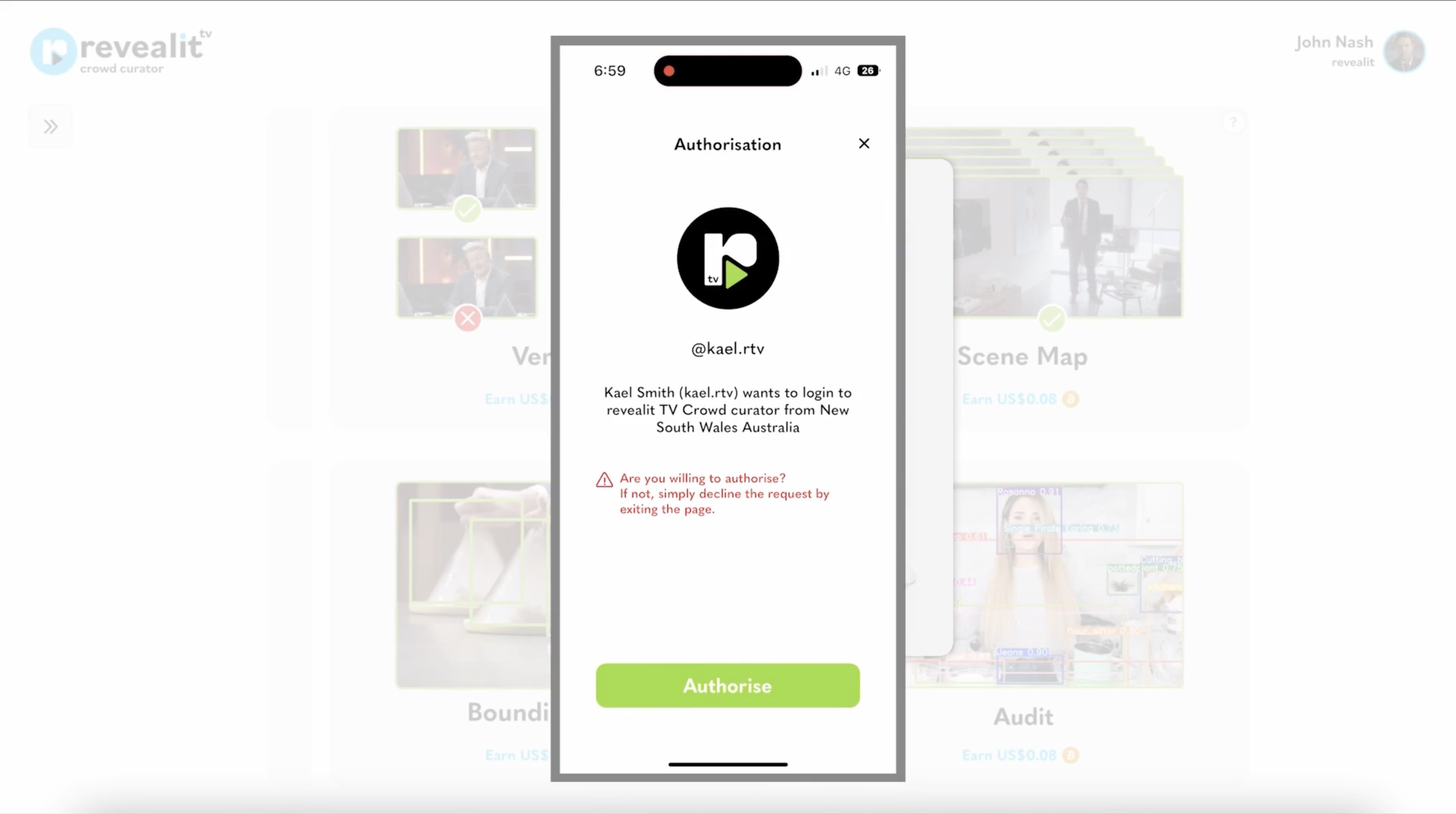
(NOTE: no further account set up needed for curation)
How to Curate
In general there are four types of tasks a Curator can complete Verification, Scene map, Audit and Bounding Box tasks. Each of which has its own rules and requirements. As a beginner curator we recommend starting your curator journey with a verification task. To learn how to complete each task properly and maximize your earnings please refer to the video tutorial below.
How to Earn Money as a revealitTV Curator
Getting Paid
Now for the part you’ve been waiting for… Getting Paid!
I’m going to cover 4 key questions:
- How are payments made?
- How much do you get paid
- When do you get paid?
- How do you spend your payments?
How are payments made?
All payments are made in digital US currency directly into your wallet in the revealit TV app. Other currencies will be made available in the future.
What are your potential earnings per hour?
While every curator is different in speed and accuracy, our experience to date is that new beta curators can expect to earn between $10 and $20 US dollars per hour. In future releases experienced curators with an approval rating over 95% who have completed a minimum of 5000 batches could earn up to 25 US dollars per hour.
Curator’s are paid by the Batch. A batch is the smallest unit of work a Curator can be assigned and paid for. This means the amount that you get paid depends on how many batches are approved by revealit TV. Rejected batches are not eligible for payment.
We are running this beta to learn and develop the optimal payment rates that best incentives our crowd and we look forward to your feedback.
When do you get paid?
Once you complete a batch our goal is to get it approved and settled within 96 hours.
How do you spend your payments?
During the beta you will be able to take your payments from your wallet into any digital currency exchange and then directly into your bank account. For further information check out our website at revealit.tv
revealit TV is over the moon to be able to release the first public version of Curator and after reading this article I’m confident you’re ready to get started curating yourself. But as I said, I’m here to help every step of the way. If you still have any questions you should first explore the rest of the revealit.tv blog page where you can find tutorial videos, full length articles on the basics, advanced tips and more.
If you’re having a specific issue, simply want to have a chat with other curators or contact me directly, head on over to one of our curator hubs on Facebook, Telegram, or Twitter.
Happy Curating,
Kael
(Your Curation Evangelist)
 revealit TV Blog